Automated Clause Library Management for Law Firms
The SharePoint folder of approved templates is dead. Modern firms need searchable, insertable, version-controlled approved language so that when a partner perfects a clause, every attorney can use it tomorrow.

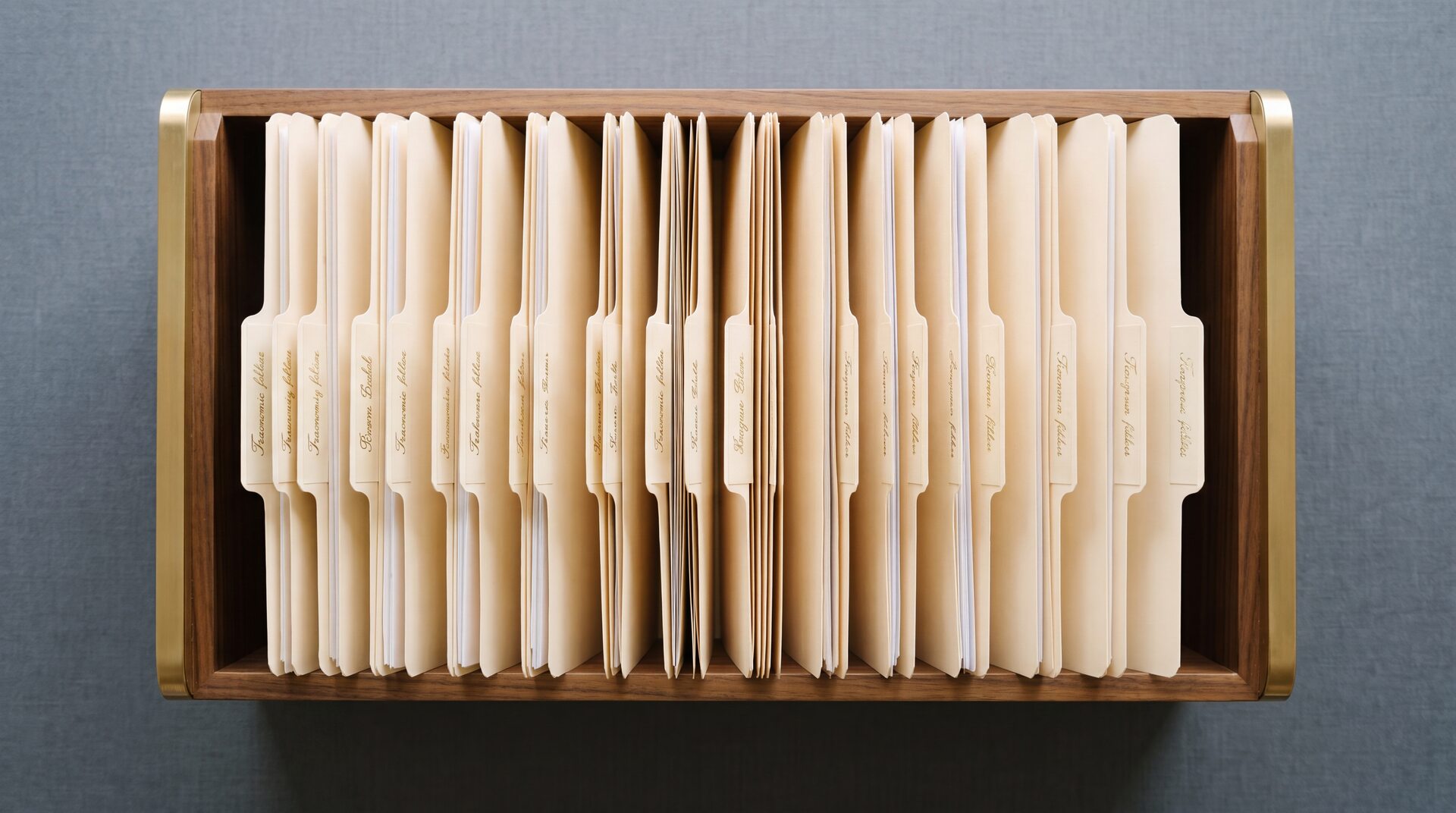
A senior associate spends thirty-five minutes rewriting an indemnification clause. It is Tuesday, 11 p.m., and she knows three partners at her firm have already perfected this exact clause for this exact kind of deal. She just cannot find their versions. So she writes her own. It goes into the draft. The deal closes. The firm has now paid, in unbillable time, for the same work to be done for the fourth time.
This is the problem automated clause library management for law firms is supposed to solve. And in 2026, it finally does, though not the way most firms are set up to use it. The SharePoint folder of approved templates has had twenty years to work. It did not. What actually works is a searchable, insertable, version-controlled body of firm language that every attorney can reach in the document they are drafting, in the moment they need it.
This piece is for knowledge-management directors and senior associates at firms with twenty-five or more attorneys. It is specific about why the old model fails, what the new model looks like from an attorney's chair, and what to ask when you evaluate a system.
Why the SharePoint clause folder died
Three reasons. All structural.
First, nobody owns updates. The partner who wrote the gold-standard change-of-control provision three years ago has moved on to other deals. She updated her working file twelve times since. She never pushed those changes back to the template folder, because the template folder is someone else's job. Over eighteen months, the canonical template drifts from reality. The version in the folder becomes a fossil.
Second, nobody can find the right template under deadline pressure. Folder hierarchies presume you know what you are looking for. Associates drafting at midnight do not. They know they need a "strong pro-seller MAE carve-out for a life sciences deal where the target has a pending FDA review." That is a query, not a folder path. Search engines handle queries. Folders do not. So the associate falls back to the last deal she did, opens the redline, and copies the language out of that. The folder, again, is not in the loop.
Third, nobody sees the rationale. A clause is not just a string of words. It is the string of words plus the reason a specific partner approved it for a specific kind of counterparty on a specific kind of deal. Strip that rationale away and the clause is indistinguishable from any other version on the internet. Associates cannot tell whether they are looking at firm-approved language or a leftover from an old matter. So they hedge, and they rewrite, and the firm pays twice.
The common thread is that a clause folder is static storage in a world where legal knowledge is active. Partners revise. Deals generate new language. Markets move. A static folder cannot track any of that without human labor no firm has actually been willing to pay for.
What automated clause library management actually looks like
Start with what an associate sees. She is drafting a stock purchase agreement. She needs the firm's approved MAE definition for a life-sciences deal. She types a question in plain English into her drafting environment. She gets back the firm's current preferred language, with the history of how it has evolved, the partner who last approved it, and a short note on when to use the pro-seller variant versus the balanced version. She inserts the chosen clause directly into her document. Total time: under a minute. Zero copy-paste.
That is the whole loop. Search, see, insert. Everything else is plumbing.
But the plumbing is what makes it real. For search to work, the library has to be indexed on meaning, not filename. For "see" to work, every clause has to carry its lineage: who wrote it, when, for what kind of matter, with what reviewer approvals. For "insert" to work, the library has to live where attorneys actually draft — in Word, in the DMS, in the matter workspace — not in a separate web app they open twice a year.
A library that gets all three right is not a folder. It is a living body of firm language. When a partner perfects a new clause on Monday, the senior associate in a different practice group can find it and use it on Wednesday. That is a change in kind, not a change in degree.
Three things a partner should expect from a modern clause system
If you are a partner evaluating tools for your practice group, here is the short list.
Find. Natural-language search across every clause your firm has approved, indexed on substance. "Show me our current survival provisions for reps on a middle-market SPA" should return the firm's current answer, not a list of filenames to open one by one.
See. Every returned clause carries context. Who approved it. When. For what kind of deal. What the firm's position is versus common market alternatives. Which variant to pick under which circumstances. A partner's knowledge travels with the clause.
Insert. One action pulls the language into the document the attorney is working on, in the right format, with the right numbering, in the right place. The attorney edits from there. No copy, no paste, no reformatting tax.
If a system does one of these well and the other two poorly, the partners will not use it. Sporadic use is worse than no use, because the canonical library never becomes canonical.
The best clause language at your firm is worthless if nobody can find it.
How Aewita handles clause libraries
The attorney view. A drafter working in Word or in the firm's document workspace asks Aewita for a clause by plain-language description. Aewita searches the firm's approved language, surfaces the current firm-preferred version with its history and context, and inserts it into the open document. The attorney reviews, edits, and keeps drafting. No switching apps. No hunting.
The KM view. When a partner finalizes a clause that should become firm standard, it enters the library through a review workflow that captures who approved it and why. Later revisions preserve the lineage. A firm can see, at any point, the current version and everything that led to it.
The integrations view. Aewita connects directly to NetDocuments and iManage. A clause pulled into a draft lands in the right matter workspace, with the metadata the DMS expects. If your firm already lives in one of those DMS platforms, the library does not require a second home.
Everything about how Aewita retrieves, grounds, and verifies this language runs on infrastructure we built and host ourselves. We do not send your firm's approved clauses to an outside provider to generate answers. Your language stays yours. The security page walks through the architectural privilege that makes this possible without compromising accuracy.
What to look for when you evaluate a system
Five questions, short and pointed. Ask them of any vendor you consider, including us.
- Where does my clause language live, and where does it go when the model answers a question? If the answer is "sent to a third-party model," your approved language is now training data for a vendor you did not hire. If the answer is "stays inside the vendor's self-hosted system," ask to see the architecture.
- Does search return the firm's approved version, or anything plausible? Demo with a real prompt from your practice. Watch what comes back. If the vendor cannot distinguish "firm-approved" from "looks like a clause," the library will not hold.
- Does the system run inside our DMS? Standalone clause tools lose the battle against inertia. The tool that is three clicks away from the drafting window will not be used.
- Who owns updates, and how does a new clause get in? A system with no submission workflow will decay to the same fossil state as the old folder. The mechanics of adding and approving new language have to be explicit.
- What does the version history look like? If a partner asks "why did we change this clause in 2024," the system should answer. Audit trails are not just for regulators. They are how a firm avoids re-arguing settled positions.
Beyond these, a general principle. A clause library is only as useful as it is visible. An excellent system that lives behind three logins does not get used. An adequate system that is one keystroke away inside the DMS gets used every day and becomes the firm's real institutional memory. Optimize for proximity to the work.
The change when it lands
A firm that gets this right stops paying for the same clause to be drafted four times. Senior associates spend less time reinventing work and more time on the matter in front of them. New hires ramp faster, because the firm's position on every major provision is documented and reachable. And when a partner retires, her best language stays in the system she built.
That last point, more than anything, is why firms are moving on this in 2026. A clause library is not about efficiency. It is about whether your firm's accumulated judgment survives the next ten years of partner transitions. SharePoint folders did not survive the last ten. The question is what does.
For the details on how Aewita fits into a drafting workflow, see the drafting product page, the playbooks page for how firm methodology gets encoded alongside clause language, and the integrations page for NetDocuments and iManage setup. ILTA's Knowledge Hub is a good external starting point on how peer firms are approaching legal KM right now.
Put your firm's best language one keystroke away
Fourteen days of real access to the real product. No seat minimum. See whether your firm's clauses are findable tomorrow.